Long-Range RFID Access Control Setup & Commissioning

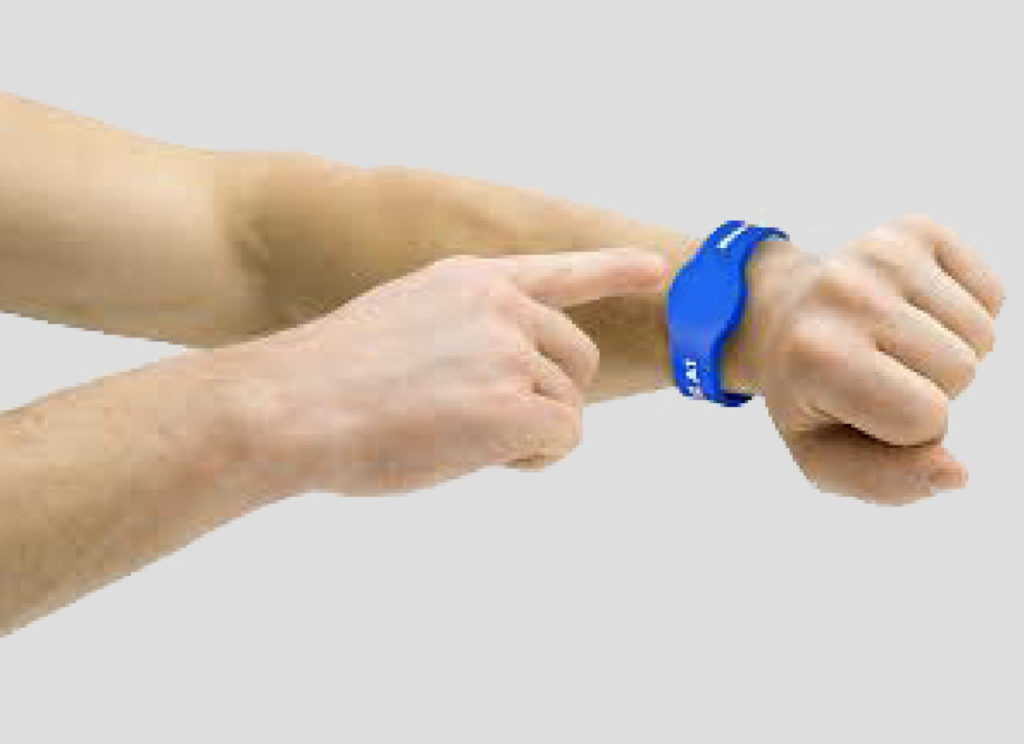
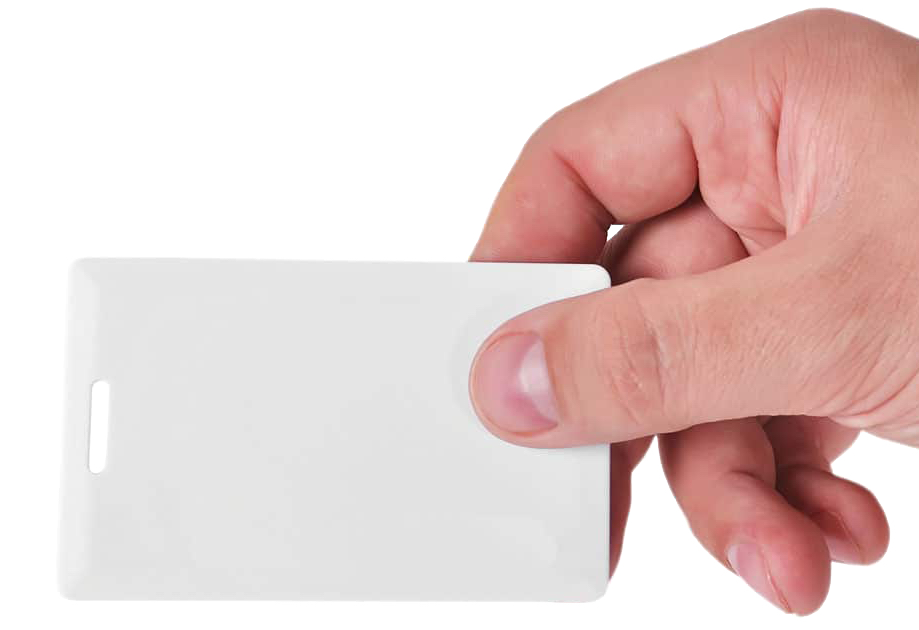
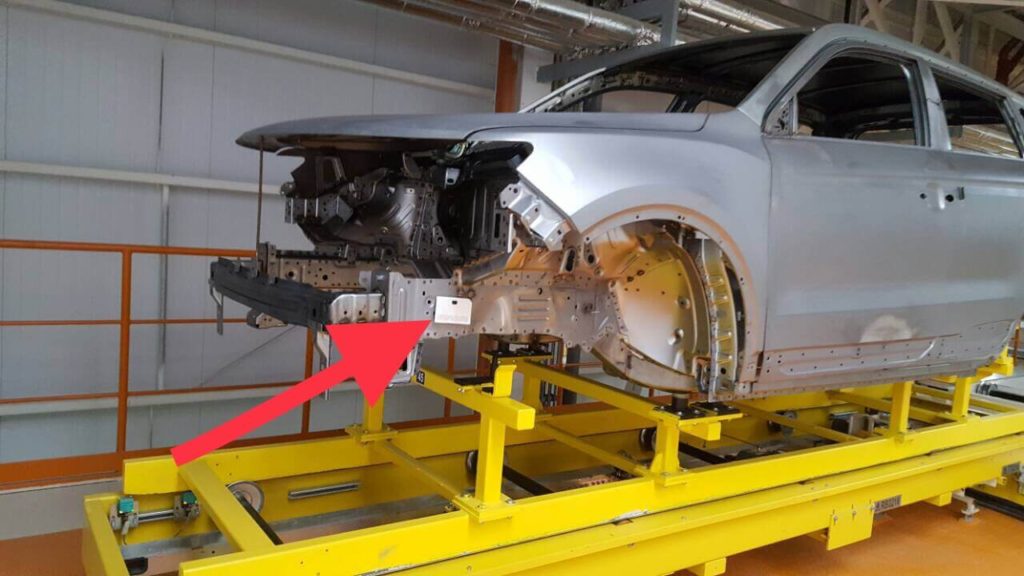
Long Range RFID Access Control Setup is used when gates, parking entrances, industrial access points or other controlled vehicle lanes need reliable hands-free credential detection at a practical distance. This page focuses on commissioning the reader, credential position, read zone and gate response. For Windows management software, use the official Access Control Software Download page.
Plan the Long Range RFID Access Control Setup
Before mounting a reader, identify the approach direction, gate line, normal vehicle stopping point, required read zone and nearby lanes. Long-range performance depends on reader model, tag type, windshield construction, mounting position and RF power. More range is not always better: the correct goal is the smallest reliable read zone that authorizes the intended vehicle without reading adjacent lanes or vehicles behind the gate.
Reader and Credential Placement
- Aim the reader toward the actual credential path rather than simply toward the center of the roadway.
- Keep a clear line of sight where practical and avoid large metal obstructions directly in front of the reader.
- Use the same windshield tag or card-holder position for vehicles in the same project.
- Test heated or metalized windshields before permanent tag placement.
- Use an anti-metal credential when mounting directly to metal.
Configure Communication and Access Logic
Fresh USA long-range readers can operate in different system architectures. A standalone reader can validate authorized credentials locally, while a software-managed reader communicates with the Fresh USA Windows platform through a supported interface such as TCP/IP, RS232 / RS485 or Wiegand, depending on the model.
For software-managed operation, first verify reader communication, then add the reader with the correct IP address and port or COM settings. Assign the reader to the correct gate, lane or access point and confirm that authorized credentials appear in the event log.
Tune the RFID Reading Zone
- Start with moderate RF power.
- Drive or walk the actual credential through the normal approach path.
- Adjust reader angle and RF power until the credential reads reliably before the gate.
- Test vehicles in adjacent lanes and vehicles parked or stopped near the gate.
- Reduce power or change the angle if the reader detects credentials outside the intended zone.
- Verify duplicate-read protection so a stopped vehicle does not trigger repeated gate commands.
Gate and Barrier Commissioning
The access reader should send only the appropriate low-voltage control signal to the gate operator or access controller. For a standard dry-contact trigger, verify the required NO / COM connection and gate-controller input. Do not bypass photo eyes, loops, radar or other vehicle-safety devices.
Commission the system with at least one authorized and one unauthorized credential. The authorized credential should open the correct gate and generate the expected software event when software-managed mode is used. The unauthorized credential must keep the gate closed.
Document Final Settings
Record the final reader model, IP address, port, mounting height, angle, RF power, relay time, credential type and credential location. This makes later maintenance and troubleshooting much easier.
For reader-specific TCP/IP settings, continue to the RFID Reader IP & Port Configuration Guide. For centralized users, permissions and event history, use the Access Control Software Reader Setup Guide.
Access Control Software Download Configure Your Access Control System
